Installation Instructions
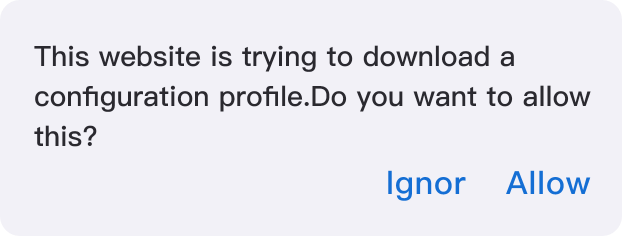
⬇️ Download and Install (.mobileconfig)1. Allow the description file to be downloaded
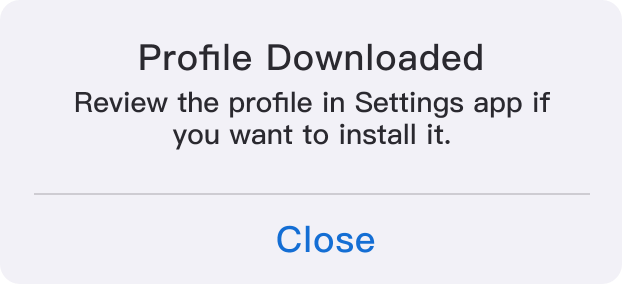
2. Description file downloaded
3. Go to [Settings] → The downloaded profile will appear under your account
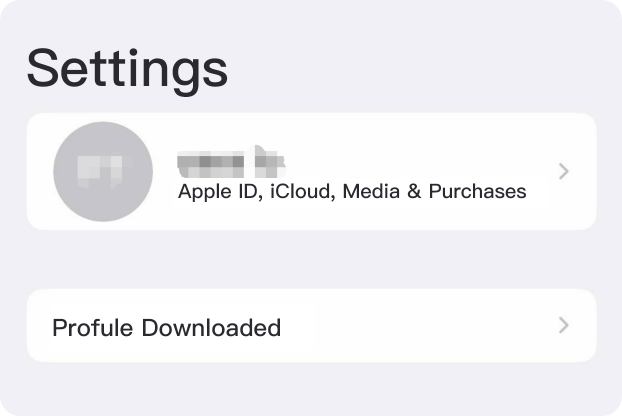
4. Tap to install the profile

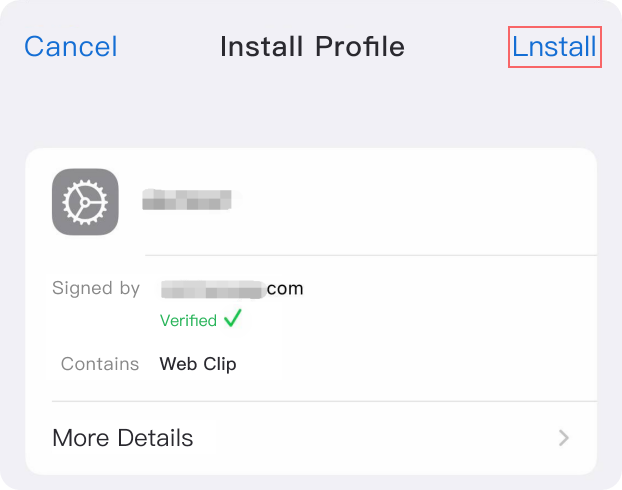
5. Click [Install] to complete